The library
Filmoyo Casting Vault: 9,500+ AI Actors
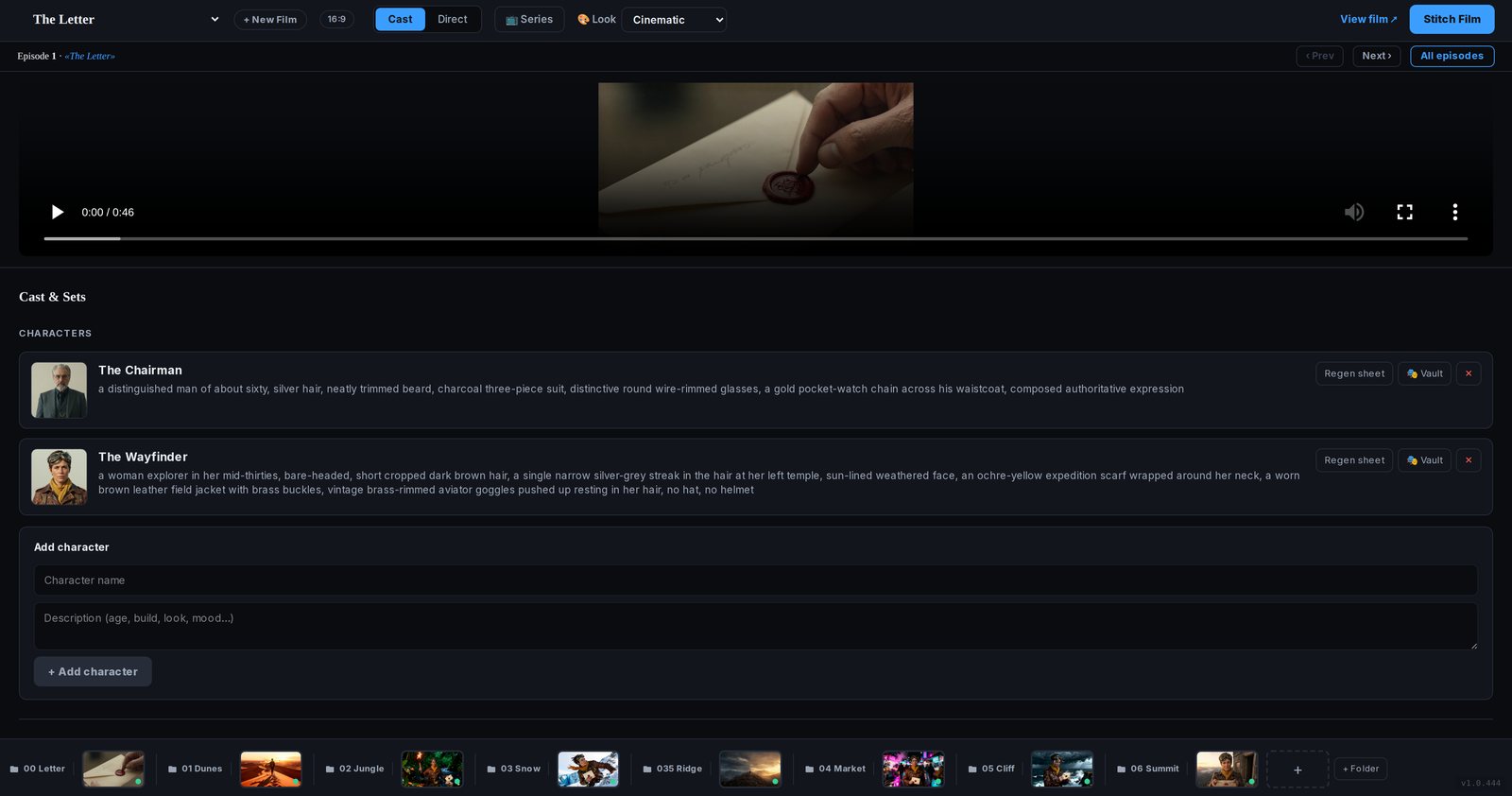
Writing a new description of the lead for every shot is how hours disappear. The vault is the shortcut: choose an avatar, or describe one, and keep that sheet for the scene instead of prompting a stranger into existence.
How you use it
Pick, lock, then look at the still.
The sales page lists 9,500+ character images and 1,230 unique avatars, plus build-your-own. Choosing one does not mean the shot is finished. The sheet is placed into the scene. You still approve the frame. That is faster than inventing the person from a blank prompt every time. It is not a claim that every still matches on the first try.
- Open Cast and SetsThis is the vault. You are not starting from an empty prompt box.
- Pick or describe someoneChoose from the library, or write a short description and build a character. The sales page lists 9,500+ images and 1,230 unique avatars.
- Keep the reference sheetThe sheet is the face, build, and wardrobe. Character Lock is what sends it into the next shot.
- Approve them in the scenePut the character in the shot, look at the still, and regenerate if the picture is wrong. The vault does not skip that check.
FAQ
Library, sheet, and the check you still do.
Does the vault write the prompt for me?
It removes the part where you reinvent a person from scratch every time. You still set the scene, the angle, and the action. The Director Canvas can draft those shots from a logline.
Will the avatar look identical in every frame?
The sheet is there so the person stays recognizable. The public Wayfinder demo holds across very different places. You should still reject a frame that drifted. “Perfect” is not a setting.
Can I make my own character?
Yes. Describe them and save the sheet. You are not limited to the ready-made avatars.
Is the vault a separate purchase?
No. It is part of the studio. Personal use is $27 once. Selling the films takes the $10 commercial add-on.
$27 once